

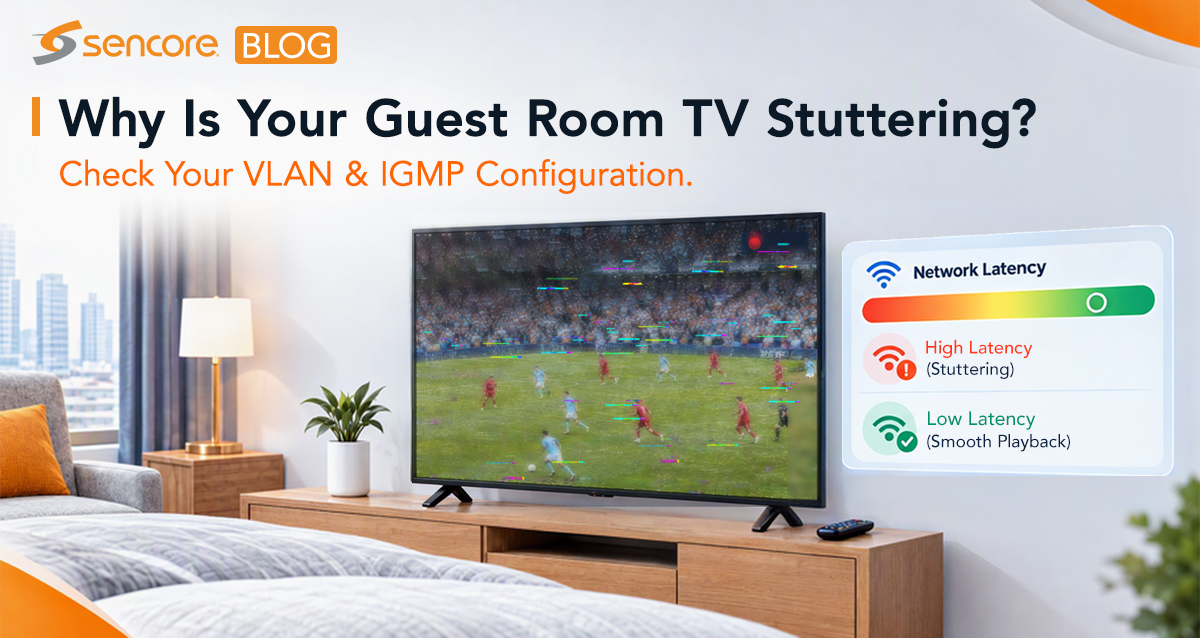
Frozen frames, black screens and stuttering live IPTV are top pain points for hotel IT teams. These issues frequently appear on Samsung hospitality TVs, LG commercial displays and Android STBs. In most cases, problems are not caused by TV or STB hardware — they stem from misconfigured network settings: VLAN segmentation, IGMP Snooping and IGMP Querier.
Common Symptoms
- Random freeze or static frames on channel change
- Black screen after switching channels, while other rooms work fine
- Video plays briefly then locks; only TV reboot restores service
- Slow channel-zapping response
- Even with sufficient total bandwidth, misconfigured multicast and VLAN settings can break your guest viewing experience.
1.VLAN Misconfiguration
IPTV traffic should run on a dedicated isolated VLAN (typically VLAN 10). Guest internet, VoIP and admin services must sit on separate VLANs.
Typical mistakes:
- IPTV and guest WiFi share the same broadcast domain, causing packet loss from heavy guest traffic
- Incorrect access/trunk/hybrid port tagging for TV/STB wall ports
- VLAN leakage between service domains
Fixes:
- Assign TVs/STBs to untagged access ports on dedicated IPTV VLAN 10; never mix IPTV with guest-internet traffic.
- Use trunk ports only for switch-to-switch uplinks with 802.1Q tagging.
- Use hybrid ports for rooms needing both IPTV and VoIP over one physical cable.
- Assign QoS priority to video traffic during network peak hours.
2.IGMP Snooping Mis-setup
IGMP Snooping is the multicast efficiency engine for IPTV. Disabling it floods all TV channels to every port, wasting bandwidth and triggering stuttering.
Typical mistakes:
- IGMP Snooping disabled on floor access switches
- Inconsistent snooping status across different floor switches
- Poor timer values leading to slow channel-change performance
Fixes:
- Enable IGMP Snooping on all Layer 2 access switches. Switches will only send requested channels to relevant room ports.
- New deployments: use IGMPv3 (SSM); legacy environments stay with IGMPv2.
- Tune IGMP timers for <100 ms channel-zapping latency.
3.IGMP Querier Issues
IGMP Querier polls endpoints to check active TV viewers and releases unused multicast bandwidth.
Typical mistakes:
- No Querier present on IPTV VLAN 10 →random black screen / frame freeze
- Multiple conflicting Queriers active on same VLAN
- Querier enabled on L2 access switches instead of core L3 switch
Fixes:
- Run IGMP Querier only on the Layer 3 core switch for IPTV VLAN One querier will be elected per VLAN.
- Disable querier function on all floor L2 switches to avoid conflicts.
- Adjust querier timers to match your IPTV deployment. Wrong timers commonly cause failures on Samsung & LG hospitality TVs.
End-Device Quick Checks for Samsung / LG / Android STBs
- Samsung / LG TVs: highly sensitive to IGMP timer misconfiguration; often show black screen without clear error messages.
- Android STBs: tend to show picture freeze under multicast flooding. Ensure correct VLAN-scoped DHCP IP assignment (proper DORA process completion).
Quick Field Debug Checklist
- Confirm IPTV runs on isolated dedicated VLAN; verify port tagging modes.
- IGMP Snooping enabled across all access switches.
- Single IGMP Querier running on core L3; no competing queriers on edge switches.
- Match IGMP version to your deployment (v2 for legacy, v3 for new builds).
- Validate correct VLAN-aware DHCP IP assignment for TVs and STBs.
- Check uplink load; deploy LACP link bonding for redundancy.

Wrap-up
Video stuttering, black screens and frozen frames are rarely hardware defects. Most IPTV guest-experience issues trace back to VLAN, IGMP Snooping and IGMP Querier mis-configuration. Nail these network fundamentals to deliver consistent high quality streaming across all hospitality endpoints.